This article is not available in Arabic, view it in English
Enabled [developer options] on your device
- Open device [Settings] -> [About phone] -> [Software information]
- Check [Building number] and tap it for multiple times( 7 - 8 times for S8)


Make larger logging buffer
- Open device [settings] -> [Developer options]
- Check [Buffer size for logging] and set the logging buffer size to 16M

Turn on bug report function
- Open device [settings] -> [Developer options]
- Turn on [Include bug reports in power menu]

Make bug report and share
- After you application crash.
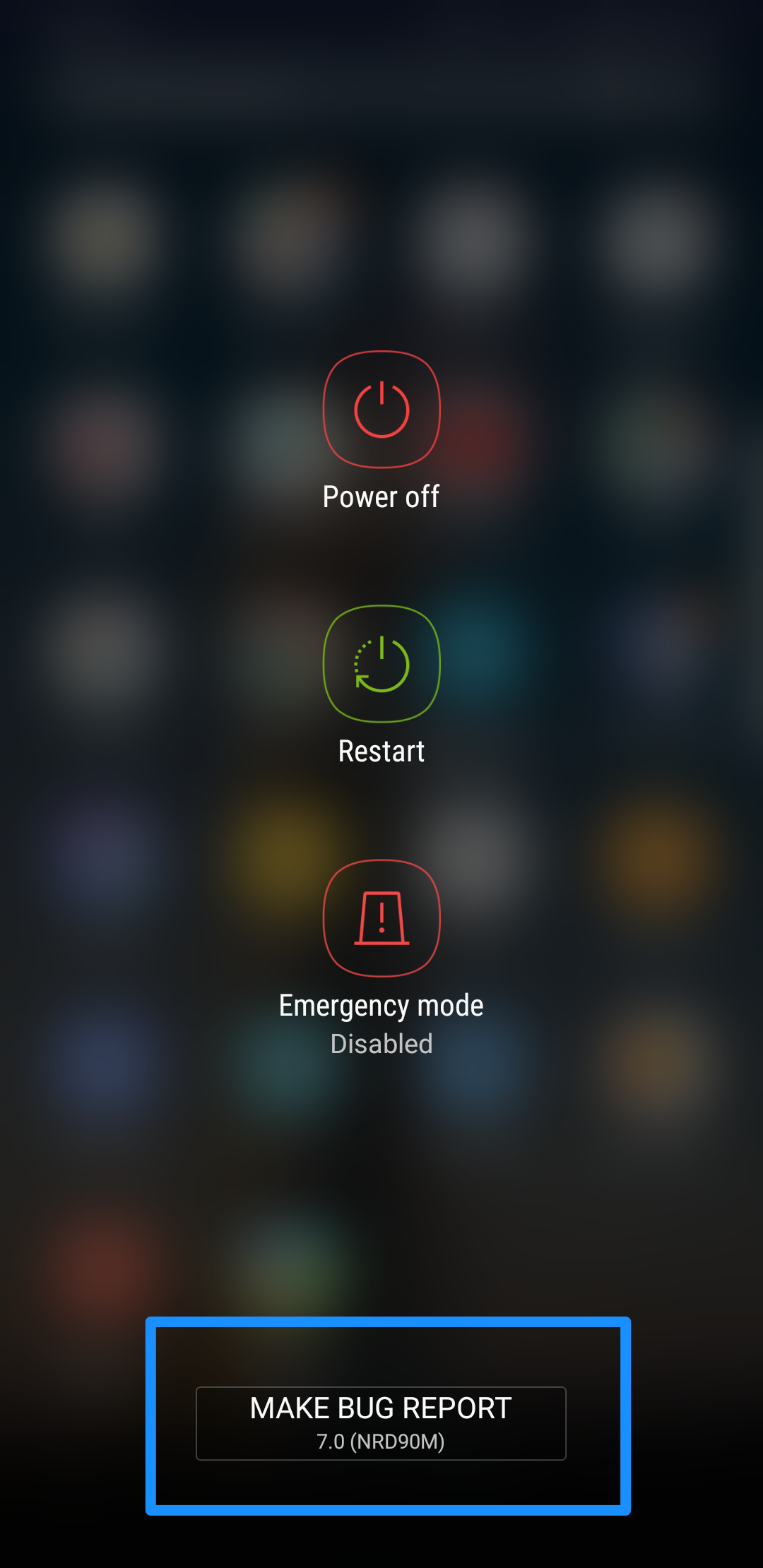
- Long press power button on your device show power menu.
- Click the [Make bug report] button.
- Wait for gathering bug report(You can open notification list to check the progress of gathering)
- After gathering down, click the bug report and share it to us


Cet article a-t-il été utile ?
C'est super !
Merci pour votre commentaire
Désolé ! Nous n'avons pas pu vous être utile
Merci pour votre commentaire
Commentaires envoyés
Nous apprécions vos efforts et nous allons corriger l'article