Enabled [developer options] on your device
- Open device [Settings] -> [About phone] -> [Software information]
- Check [Building number] and tap it for multiple times( 7 - 8 times for S8)


Make larger logging buffer
- Open device [settings] -> [Developer options]
- Check [Buffer size for logging] and set the logging buffer size to 16M

Turn on bug report function
- Open device [settings] -> [Developer options]
- Turn on [Include bug reports in power menu]

Make bug report and share
- After you application crash.
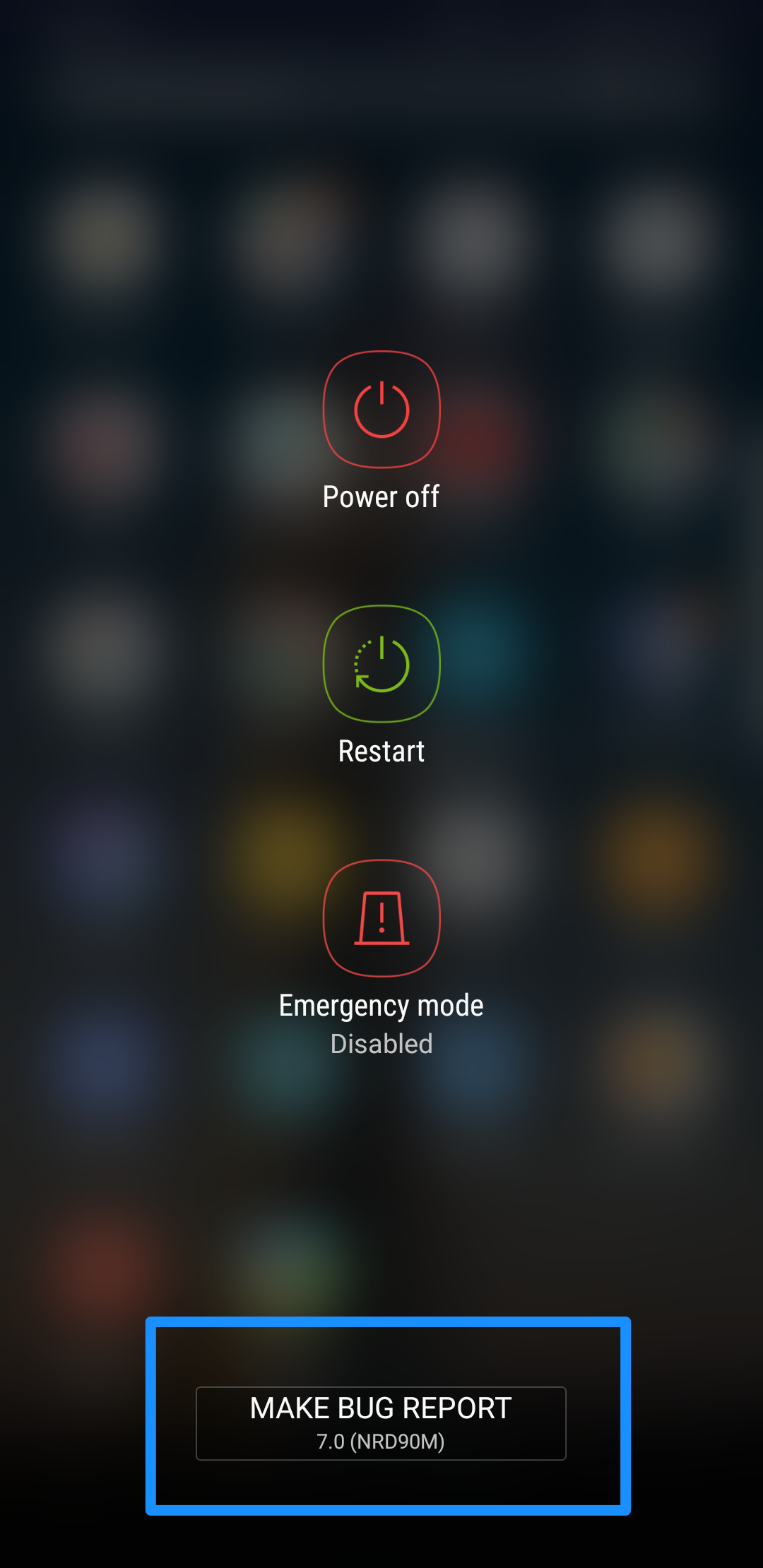
- Long press power button on your device show power menu.
- Click the [Make bug report] button.
- Wait for gathering bug report(You can open notification list to check the progress of gathering)
- After gathering down, click the bug report and share it to us


아티클이 유용했나요?
훌륭합니다!
피드백을 제공해 주셔서 감사합니다.
도움이 되지 못해 죄송합니다!
피드백을 제공해 주셔서 감사합니다.
피드백 전송
소중한 의견을 수렴하여 아티클을 개선하도록 노력하겠습니다.