This article is not available in Arabic, view it in English
Enabled [developer options] on your device
- Open device [Settings] -> [About phone] -> [Software information]
- Check [Building number] and tap it for multiple times( 7 - 8 times for S8)


Make larger logging buffer
- Open device [settings] -> [Developer options]
- Check [Buffer size for logging] and set the logging buffer size to 16M

Turn on bug report function
- Open device [settings] -> [Developer options]
- Turn on [Include bug reports in power menu]

Make bug report and share
- After you application crash.
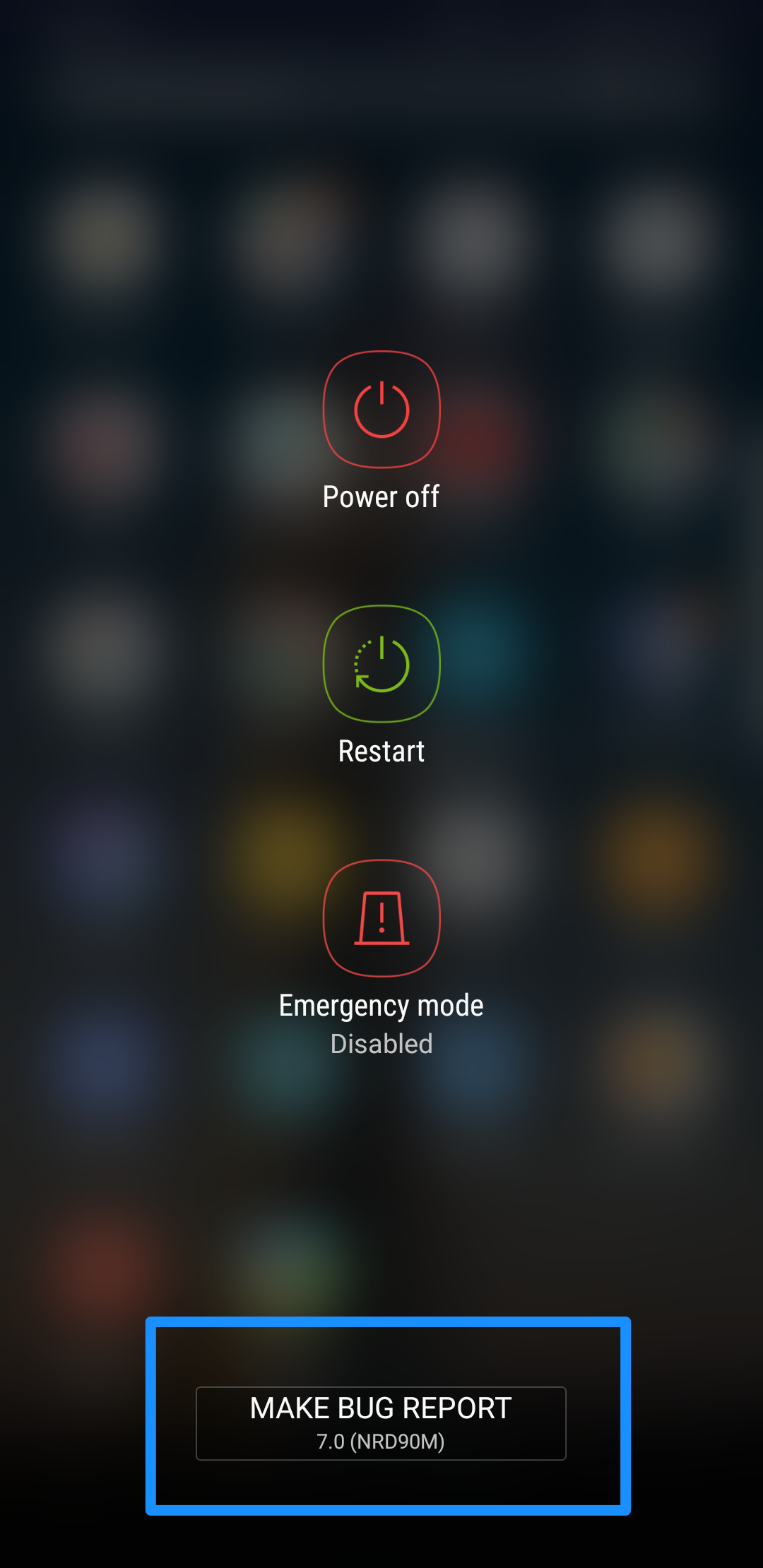
- Long press power button on your device show power menu.
- Click the [Make bug report] button.
- Wait for gathering bug report(You can open notification list to check the progress of gathering)
- After gathering down, click the bug report and share it to us


Статья помогла?
Отлично!
Спасибо за ваш отзыв
Извините, что не удалось помочь!
Спасибо за ваш отзыв
Комментарий отправлен
Мы ценим вашу помощь и постараемся исправить статью